How to Use a Teleprompter
Without Looking Like You're Reading
Stop staring blankly at your screen. Learn the 'Dominant Eye' secret and how to configure your hardware for perfect, natural eye contact.


The 'Dominant Eye' Secret
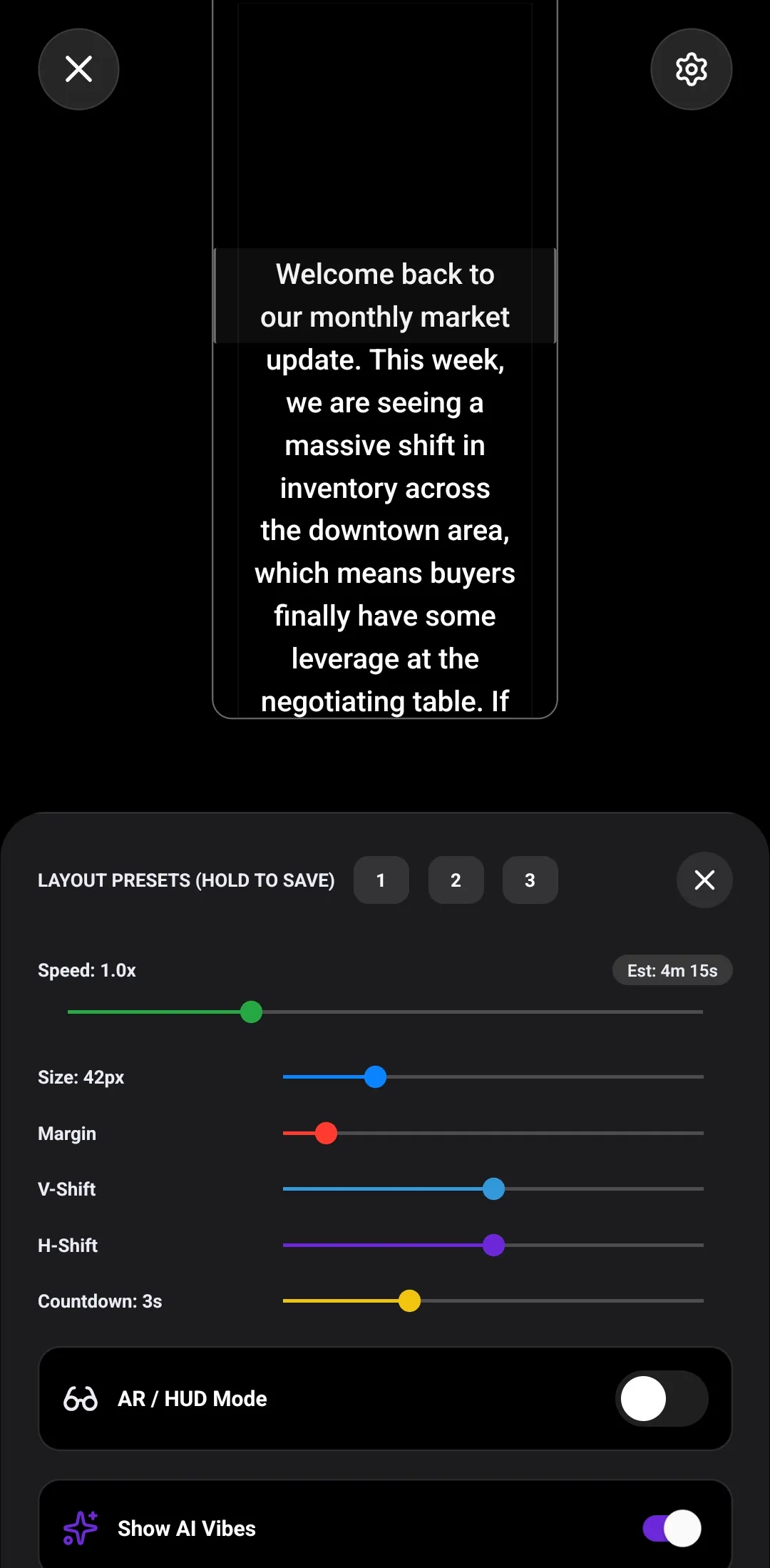
If you read straight across the screen, your eyes will dart back and forth. OtterScroll's layout presets let you squeeze the text margins and shift the script directly under your camera lens, keeping your eyes perfectly still.
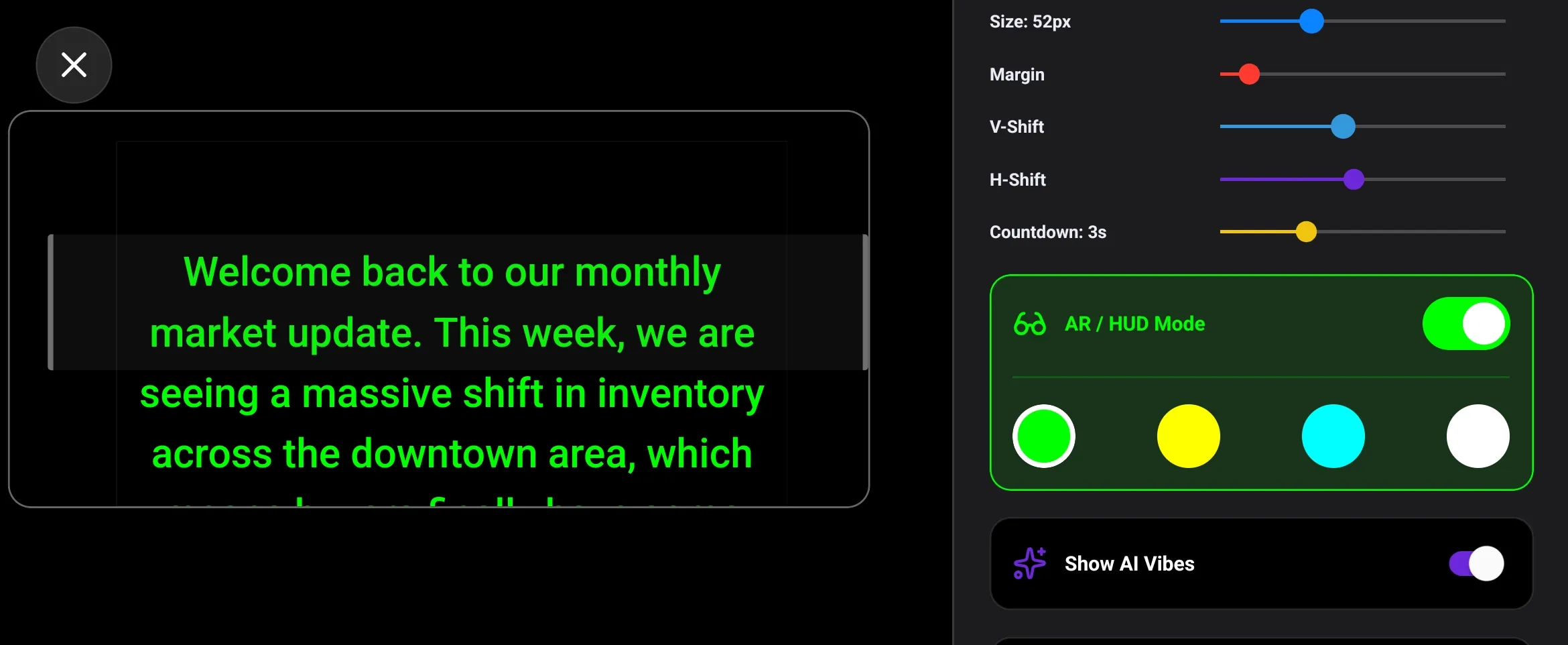
High-Contrast HUD Mode
Filming with a professional beam-splitter rig or AR smart glasses? Activate our true-black HUD mode. It mirrors your text and maximizes contrast so words float crystal-clear on the glass without bleeding light into your camera.
The 'Lens Hugger' Setup
Positioning is everything. Use our custom reading boxes to force the active text into the top 20% of your screen. This physically forces you to look directly at the camera hardware instead of the middle of your device.
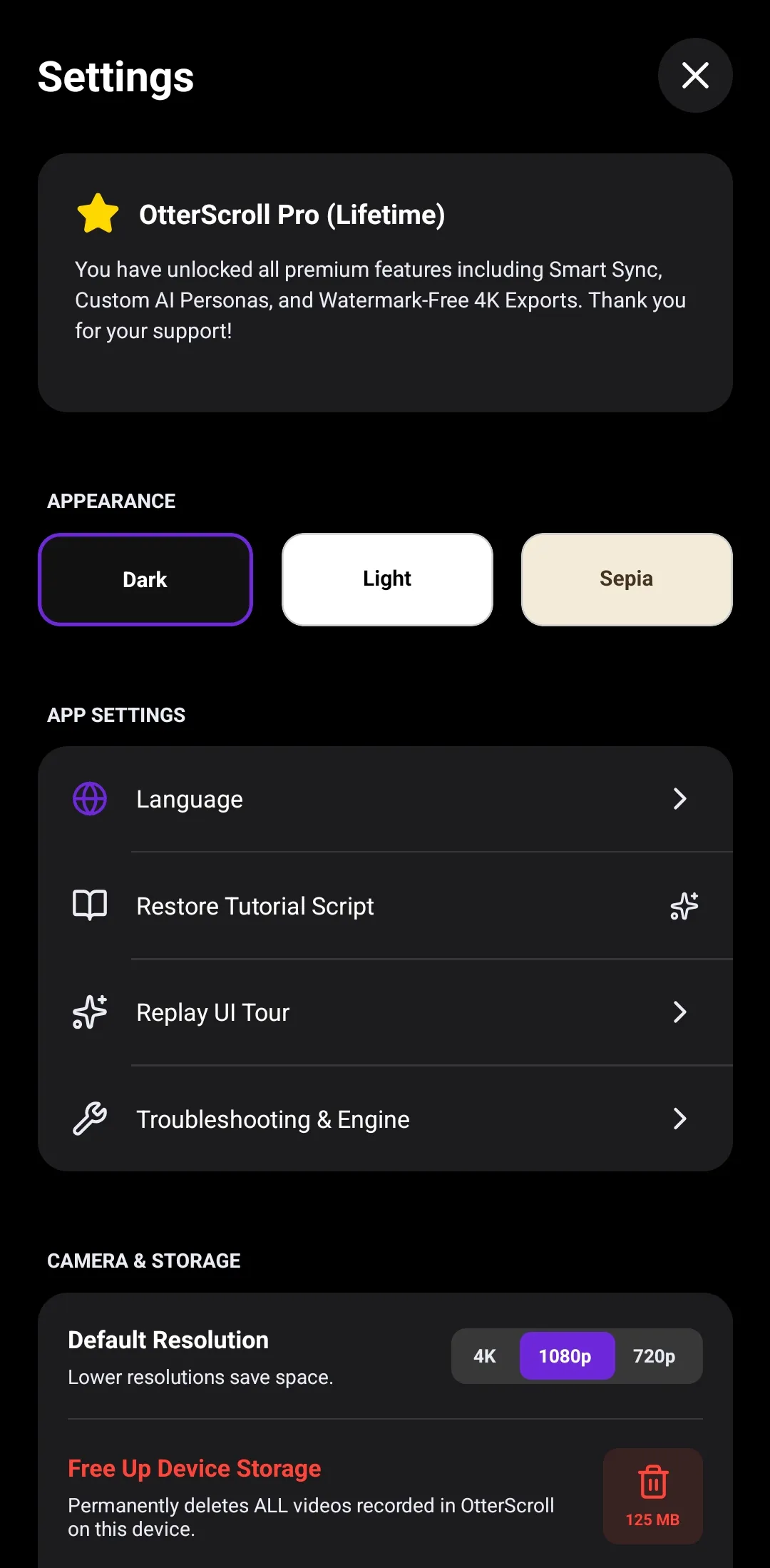
Questions about AR/HUD Mode & Layouts?
Learn how to save Layout Presets, adjust background opacity, and mirror text.
Explore Customization FAQs→One Subscription. Every Platform.
Purchase on Web or Mobile and unlock Pro across all devices.
Basic
Essential teleprompter basics
- Store up to 5 Scripts & 1 Folder
- Standard Teleprompter Auto-Scroll
- HD Video Exports (720p/1080p Watermarked)
OtterScroll Pro
7-Day Free Trial ($0 Today)Complete creator studio access
Then $39.99/year after trial. Cancel anytime.
- AI Voice Tracking Prompter scrolls automatically as you speak
- AI Ghostwriter Train custom brand personas & generate scripts
- 4K & No Watermarks Pristine, ad-free studio exports
- Cross-Platform Sync Write on PC/Mac, record on iOS & Android
- Unlimited Scripts & Folders